
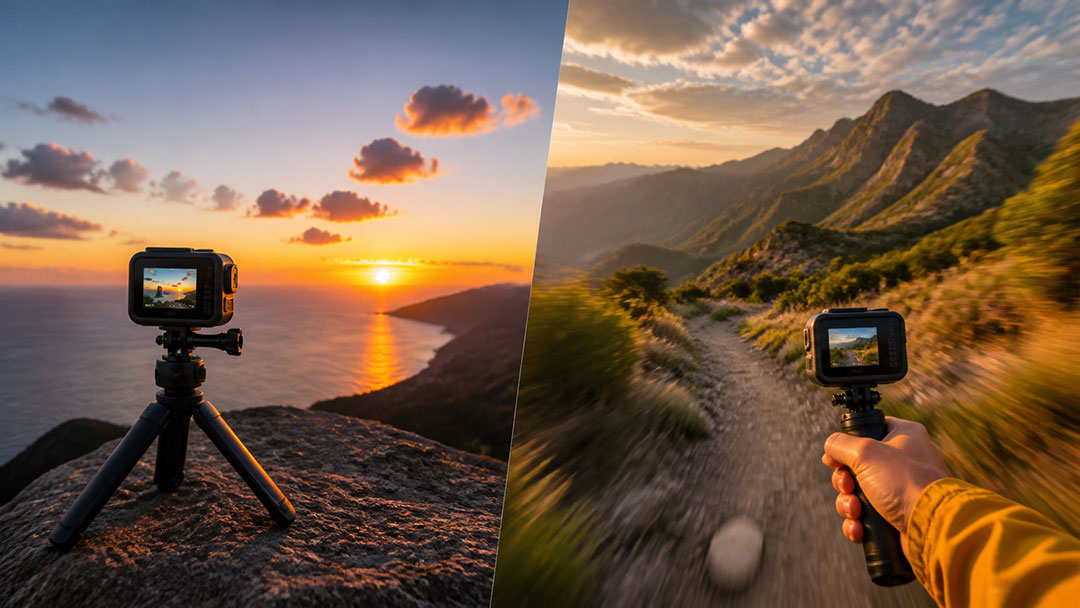
Time Lapse records the world changing around a stationary camera; TimeWarp records the camera moving through a changing world.
If you have spent any time exploring the shooting modes on a GoPro, you have probably come across both TimeWarp and Time Lapse.
They sound similar. The finished videos can even look similar. But they are designed for two very different ways of capturing time.
The simplest way to remember the difference is this:
Use Time Lapse when your GoPro stays still. Use TimeWarp when your GoPro is moving.
There are exceptions, of course, and understanding those exceptions can make the difference between an average shot and an incredible one.
What Is GoPro Time Lapse?
Traditional time lapse photography captures frames at set intervals over an extended period of time and combines them to show a slow event happening much faster.
Think about:
- A sunset
- Clouds moving across the sky
- A construction project
- A drawing coming to life
- People filling a stadium
- A plant growing
- A storm moving across the horizon
For these shots, the GoPro is typically mounted to a tripod, clamp, suction mount, or another stable surface.
The camera stays still while the world changes around it.
That last sentence is probably the best way to think about traditional time lapse photography.
GoPro's Time Lapse Video mode makes the process especially easy because the camera can automatically turn the captured frames into a finished video.
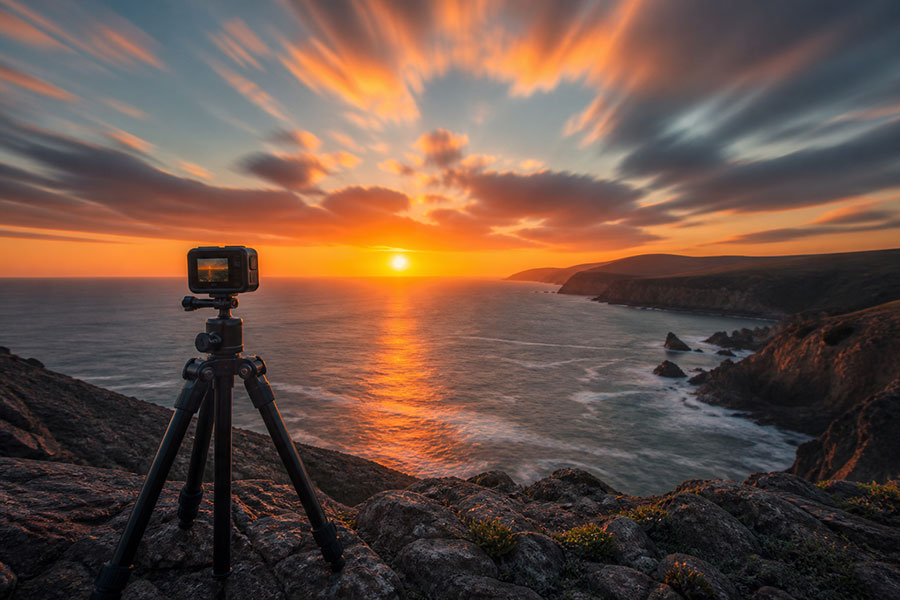
A stable camera lets the changing light, clouds, and landscape create the motion in a traditional time lapse.
What Is GoPro TimeWarp?
TimeWarp takes the basic idea of a time lapse and adds something very important: movement.
Instead of leaving your GoPro sitting on a tripod, you can take the camera with you.
You might use TimeWarp while:
- Driving
- Hiking
- Walking through a city
- Riding a bike
- Exploring a theme park
- Traveling down a scenic highway
- Moving through an airport
- Exploring a new destination
GoPro combines the accelerated passage of time with its HyperSmooth stabilization technology to create smooth, fast-moving footage.
Instead of watching the world change from one fixed position, the viewer travels through the world with you.
That creates the distinctive hyperlapse-style appearance associated with TimeWarp.
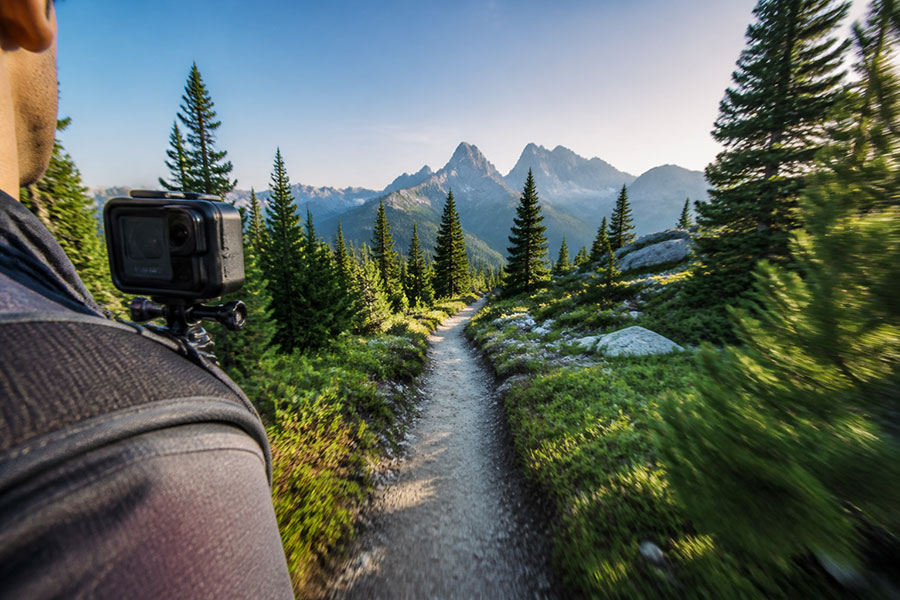
TimeWarp combines accelerated footage with stabilization to carry the viewer smoothly through a journey.
TimeWarp vs Time Lapse at a Glance
| Situation | Best Choice |
|---|---|
| Sunrise | Time Lapse |
| Sunset | Time Lapse |
| Moving clouds | Time Lapse |
| Drawing or painting | Time Lapse |
| Construction project | Time Lapse |
| Driving | TimeWarp |
| Hiking | TimeWarp |
| Walking through a city | TimeWarp |
| Cycling | TimeWarp |
| Road trip | TimeWarp |
| Cruise ship | It depends |
That final example brings up an important point.
What If the Camera and the Scene Are Both Moving?
This is where things get interesting.
Imagine mounting a GoPro to the railing of a cruise ship sailing through Alaska.
The GoPro isn't moving relative to the ship, but the ship itself is moving through the landscape.
Should you use Time Lapse or TimeWarp?
It depends on the result you want.
If the camera is stable and you want the scene to slowly evolve as mountains, clouds, water, and coastline pass by, traditional Time Lapse can produce a beautiful result.
If vibration, camera movement, or the motion of the ship makes the footage unstable, TimeWarp's stabilization can make it a better choice.
This is why "moving camera equals TimeWarp" should be treated as a guideline rather than an absolute rule.
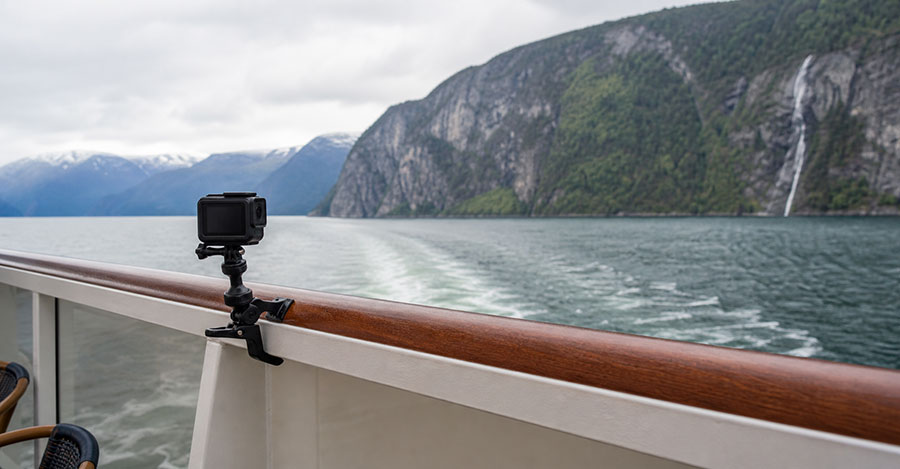
On a moving platform such as a cruise ship, camera stability and the intended look determine which mode works best.
Choosing the Right TimeWarp Speed
TimeWarp also gives you control over how dramatically you accelerate the experience.
Depending on your GoPro model, available options can include speeds such as:
2x, 5x, 10x, 15x and 30x
Lower speeds work well when the activity is relatively short and you still want viewers to experience much of the journey.
Higher speeds are useful for compressing longer experiences into short videos.
A long hike, for example, might work well at 10x or higher, while a short scenic drive could benefit from a slower setting.
Some GoPro models also offer an Auto setting that adjusts TimeWarp speed based on factors such as movement and the scene.
When Should You Use Time Lapse?
Choose Time Lapse when the camera can remain stable and the interesting part of the shot is something changing over time.
A good rule is:
Stationary camera + changing subject = Time Lapse
Sunsets are a perfect example. The camera does not need to move because the movement of the sun, clouds, shadows, and colors creates the shot.
When Should You Use TimeWarp?
Choose TimeWarp when movement through an environment is part of the story.
The rule becomes:
Moving camera + changing environment = TimeWarp
Instead of showing what happened in one location, TimeWarp lets you compress an entire journey.
A 30-minute walk through a city can become a fast tour. A long drive can become a scenic sequence. A hiking trail can be condensed into the highlights of the entire route.
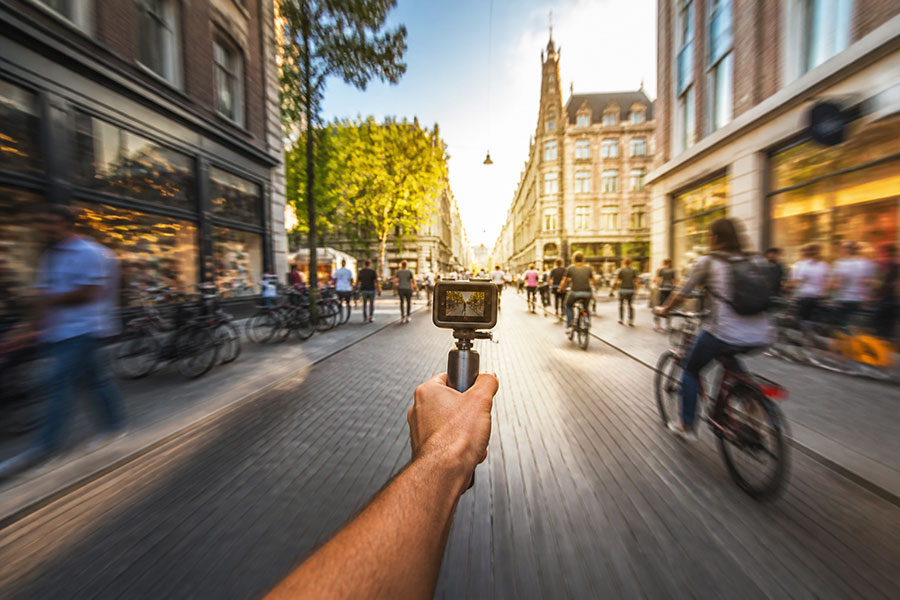
TimeWarp turns movement through a city into a smooth, fast tour while keeping the center of the journey clear.
TimeWarp or Time Lapse: Which Is Better?
Neither.
The better question is:
What are you trying to show?
If you want to show time passing in one place, start with Time Lapse.
If you want to show movement through a place, start with TimeWarp.
Once you understand that distinction, choosing between the two becomes much easier.
Better yet, experiment with both.
Mount your GoPro somewhere stable and capture a traditional time lapse. Then pick it up, start a TimeWarp, and move through the same environment.
You may be surprised by how differently the two modes tell the exact same story.
The Quick Answer
If you only remember one thing from this guide, remember this:
Time Lapse captures the world changing around your GoPro.
TimeWarp captures your GoPro moving through a changing world.
That simple difference opens up two completely different ways to play with time, motion, and storytelling with your GoPro.
Key Takeaways
- Time Lapse: Use it when the camera stays still and the subject or scene changes over time.
- TimeWarp: Use it when moving through an environment is part of the story.
- Moving platforms: Choose based on camera stability and whether you want natural scene evolution or extra stabilization.