
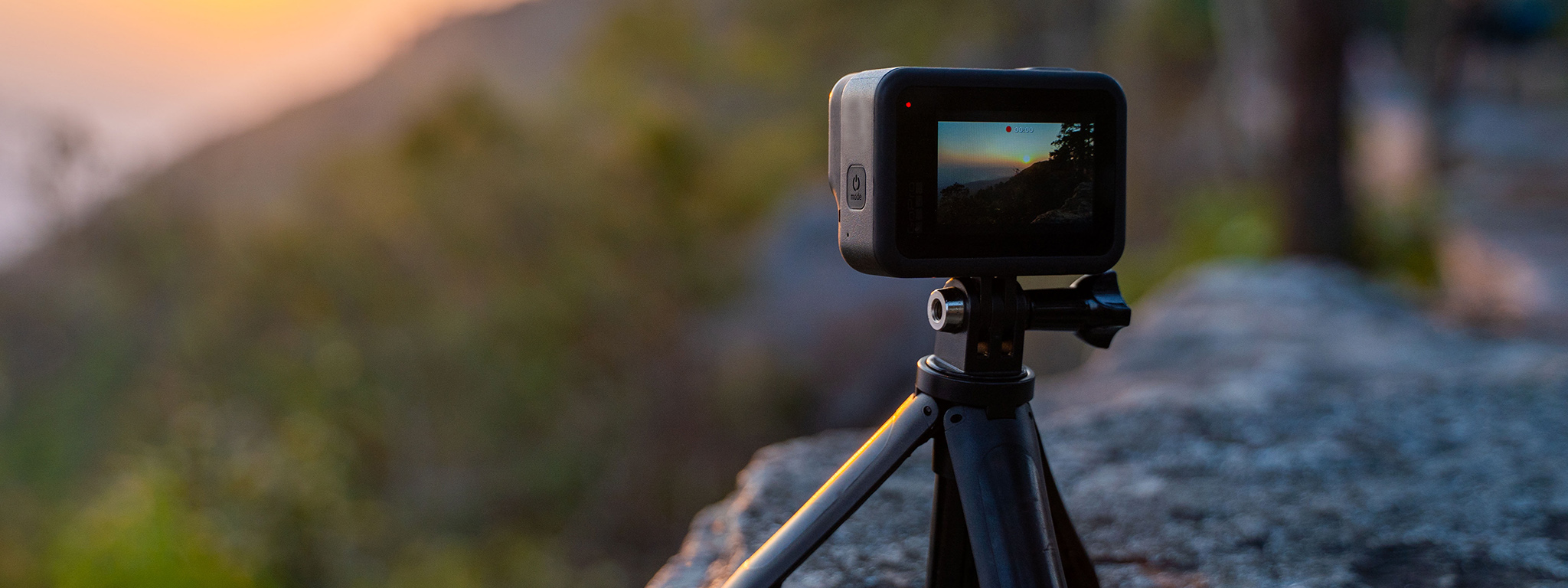
A stable mount, reliable power, and a little preparation help keep a long time lapse running. Photo: Kingston Technology.
There's nothing quite like setting up a GoPro for a long time lapse, leaving it to capture an incredible scene, and returning hours later to discover the camera stopped recording halfway through.
Maybe you were capturing a sunrise, watching a cruise ship pull into port, or recording clouds moving across the mountains. Whatever the subject, an unexpected shutdown can mean missing the best part of the shot.
Fortunately, most interruptions can be traced to a handful of common problems. Understanding what causes them makes planning longer GoPro recordings considerably easier.
1. Your GoPro Ran Out of Battery
Battery life is one of the biggest limitations when recording extended time lapses.
Even though time-lapse photography captures fewer frames than traditional video, your GoPro still needs power to operate its sensor, processor, and other components.
How long it lasts depends on several factors:
- Recording mode and resolution
- Capture interval
- Screen and wireless settings
- Battery condition and age
- Outdoor temperature
The GoPro HERO11 Black includes an Enduro battery designed to improve performance, particularly in colder conditions. However, even a healthy battery won't necessarily last through a multi-hour recording.
The solution: For longer sessions, consider connecting your GoPro to a reliable external USB-C power source. A power bank can make an enormous difference when recording from a stationary position.
For especially long recordings, GoPro also recommends removing the internal battery when using a suitable external power source to help manage heat.
2. Your GoPro Is Overheating
GoPro cameras pack substantial processing power into a relatively small, weather-resistant body. That compact design can make managing heat challenging.
Overheating is particularly common when recording in direct sunlight, using demanding video settings, or operating the camera without much airflow.
The HERO11 Black can display a temperature warning before stopping and saving the recording, then shutting itself down to protect the hardware.
Fortunately, a few adjustments can help:
- Keep the camera out of direct sunlight whenever possible.
- Mount it where air can circulate around the body.
- Reduce resolution or frame rate where your recording mode allows it.
- Disable unnecessary features, such as wireless connections or stabilization where available.
- Turn off the front display and shorten the rear screen timeout.
A camera sitting on a hot windowsill may experience very different conditions from one mounted in the shade with a breeze passing around it.
The solution: Prioritize shade, ventilation, and settings appropriate for the scene. For a stationary time lapse, maximum video performance isn't always necessary. GoPro's HERO11 Black thermal guidance explains these precautions in more detail.
3. Your Memory Card Is Full or Having Problems
A memory card can interrupt a recording just as easily as a depleted battery.
Long sessions require sufficient storage, particularly when capturing individual high-resolution photographs or recording at demanding video settings.
However, available capacity isn't the only consideration.
A slow, damaged, counterfeit, or incompatible microSD card can also cause recording errors.
Before beginning an extended session:
- Use a reputable microSD card that meets GoPro's requirements for your camera.
- Confirm that sufficient free space is available.
- Transfer important footage before formatting the card.
- Format the card in the camera after backing up its contents.
- Run a short test recording to confirm everything works.
It's also worth distinguishing between an interrupted recording and normal file chaptering. GoPro cameras may divide longer videos into multiple files even when recording continues normally.
The solution: Use a compatible, reliable memory card with plenty of available space, and check the recorded files before assuming the camera stopped unexpectedly.
4. Your External Power Source Was Interrupted
External power is extremely useful for extended recordings, but it introduces another potential failure point.
A loose USB-C connection, an unreliable power bank, or a cable that gets bumped can interrupt the camera's power supply.
Some power banks also automatically shut down when they detect very low power consumption. Whether that becomes a problem depends on the power bank and the camera's operating mode.
For the HERO11 Black, GoPro recommends an external source capable of supplying at least 5.1 volts and 2 amps when operating without the internal battery.
A few precautions can help:
- Use a quality USB-C cable.
- Secure the cable so it cannot easily disconnect.
- Verify that the power bank remains active during recording.
- Test the complete setup before leaving the camera unattended.
Remember that removing the internal battery eliminates your backup if external power is disconnected.
The solution: Test your camera, cable, and power source together for longer than a few minutes before relying on them for an important recording.
The camera is not waterproof with the battery door open. GoPro's compatible USB Pass-Through Door provides weather resistance when used with a GoPro USB-C cable, but it is not waterproof. Protect the power bank and connections from moisture.
5. Your Recording Settings Are Working Against You
Not every GoPro recording mode behaves the same way.
Time Lapse, TimeWarp, Night Lapse, and standard video recording have different processing demands and capture options.
For example, recording continuous high-resolution video can place greater demands on the camera than capturing still photographs at longer intervals.
Some recording modes offer a Duration setting that intentionally ends recording after a specified period. Scheduled Capture controls when recording starts.
Before starting, check that you haven't accidentally configured the camera to stop earlier than intended.
For stationary subjects, traditional Time Lapse is often a better choice than TimeWarp, which is designed for stabilized time-lapse footage while moving.
The solution: Match the recording mode to the subject, review any duration limits, and avoid enabling features that provide little benefit to the shot.
For help choosing a mode, read GoPro TimeWarp vs Time Lapse: What's the Difference and When Should You Use Each?
How to Find Out Why Your GoPro Stopped Recording
If your camera keeps stopping unexpectedly, don't change every setting at once. A simple troubleshooting process can help isolate the problem.
| What happened? | What to investigate first |
|---|---|
| Camera shut down with a temperature warning | Overheating and airflow |
| Recording ended as battery level dropped | Battery health and power consumption |
| Camera stopped with storage warnings | Available space and microSD card |
| Recording stops only with a power bank | USB-C cable and external power |
| Recording ends at a consistent duration | Duration setting |
| Video appears in several consecutive files | Normal file chaptering |
Start with a fully charged battery, a known-good memory card, and a relatively undemanding recording mode.
Run a controlled test indoors, away from direct sunlight. If the camera records successfully, gradually recreate the conditions that caused the original problem.
If it still shuts down unexpectedly, check the camera's firmware and consider testing with another battery or memory card.
This approach is much more useful than repeatedly restarting the camera and hoping the problem disappears.
A Simple Checklist Before Your Next Long Time Lapse
A few minutes of preparation can prevent losing hours of footage.
For important recordings, especially those involving a sunrise, sunset, or one-time event, consider monitoring the camera periodically when practical.
Better Preparation Means Fewer Missed Shots
A GoPro stopping halfway through a time lapse doesn't necessarily mean something is wrong with the camera. Often, the problem comes down to battery life, temperature, storage, or an overlooked setting.
The good news is that these are largely manageable once you understand how they affect longer recordings.
Whether you're filming a changing skyline, a busy harbor, or an afternoon of moving clouds, the goal is the same: get the camera running reliably so you can concentrate on the scene instead of worrying about whether the recording will finish.
And when a moment is worth capturing, a little preparation goes a long way.
Sources and Further Reading
- GoPro: HERO11 Black overheating and thermal management
- GoPro: Time-lapse recording guide
- GoPro: HERO11 Black features and Enduro battery
- GoPro: HERO11 Black firmware updates
Tags: GoPro troubleshooting, GoPro time lapse, HERO11 Black, GoPro overheating, GoPro battery life, GoPro recording problems, microSD cards, long-duration recording
Key Takeaways
- Power: Start with a healthy battery or a tested external power source and secure USB-C cable.
- Heat: Use shade, airflow, and recording settings appropriate for the scene.
- Storage and settings: Check microSD compatibility, free space, and Duration before starting.